
Leverage the power of VTK by partnering with Kitware
What It's Like to Work with Us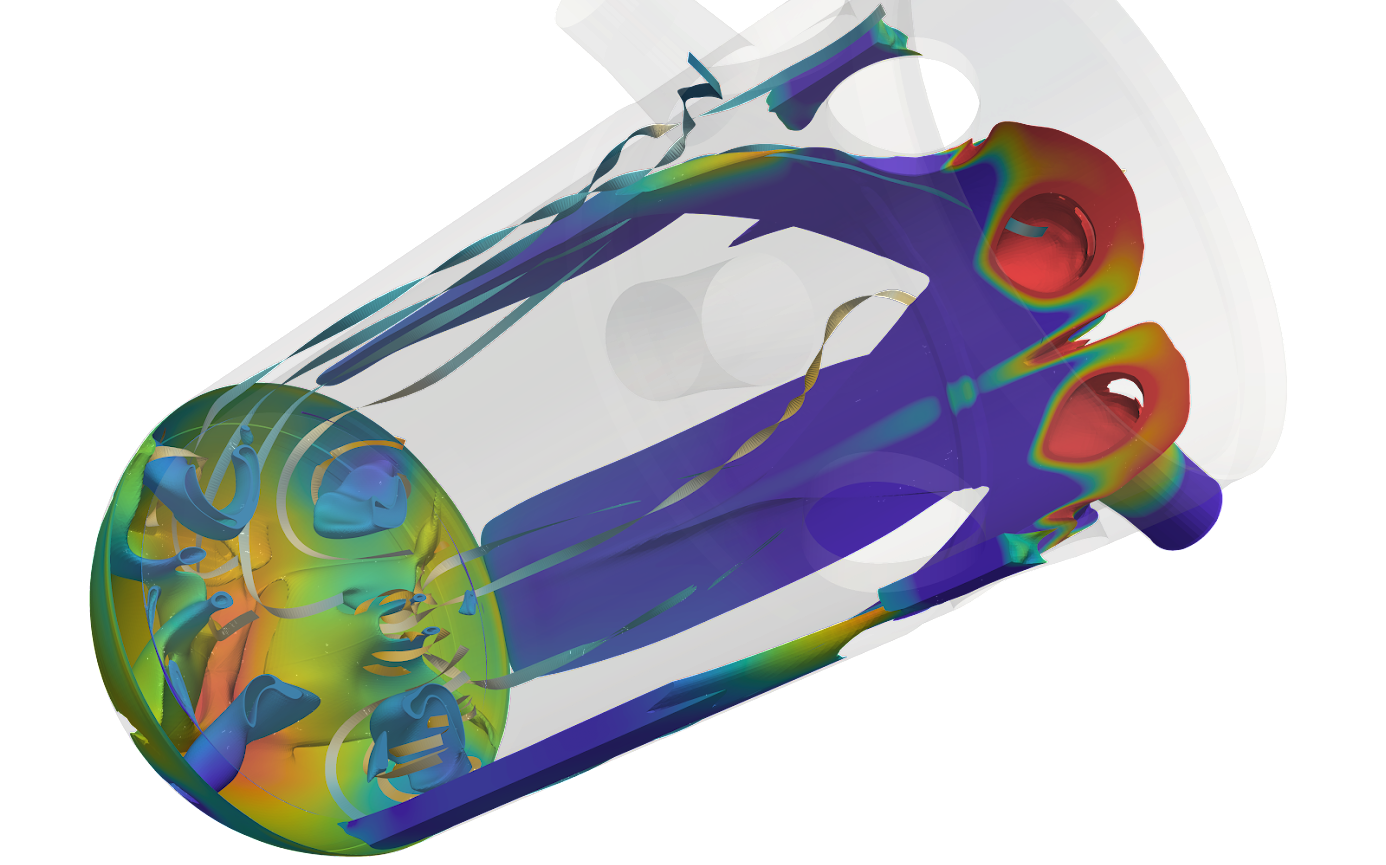
Process images and create 3D computer graphics with the Visualization Toolkit.
The Visualization Toolkit (VTK) is open source software for manipulating and displaying scientific data. It comes with state-of-the-art tools for 3D rendering, a suite of widgets for 3D interaction, and extensive 2D plotting capability.
VTK is part of Kitware’s collection of supported platforms for software development. The platform is used worldwide in commercial applications, as well as in research and development. For examples, please see VTK in Action.
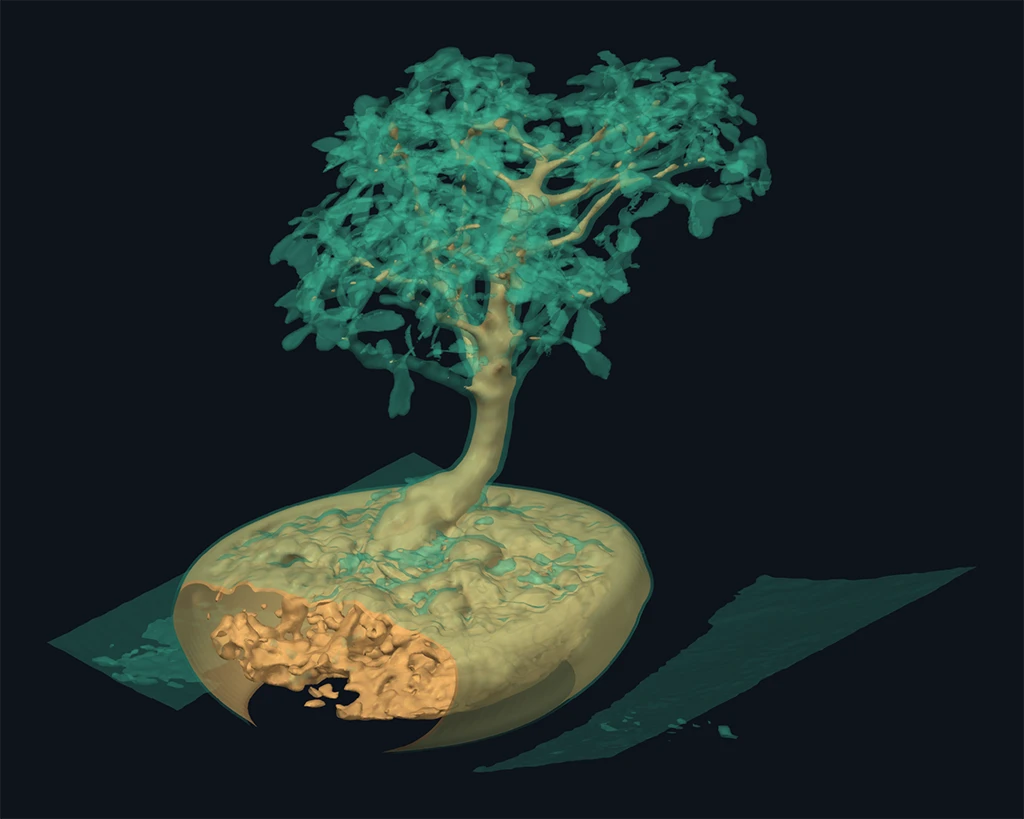
Better Transparency with VTK and WebGPU
Transparency is a seemingly simple and powerful visualization technique to facilitate the understanding of complex geometric structures. However, to do so accurately, and at highly interactive frame rates, is challenging.
That is why we’re excited about VTK’s new WebGPU deep framebuffer. It collects translucent rendering fragments in one geometry pass, then composites them in depth order, preserving relationships that VTK’s default OpenGL transparency averages away. For nested scans and intersecting simulation surfaces, this gives us a clearer way to explore how the pieces fit together.
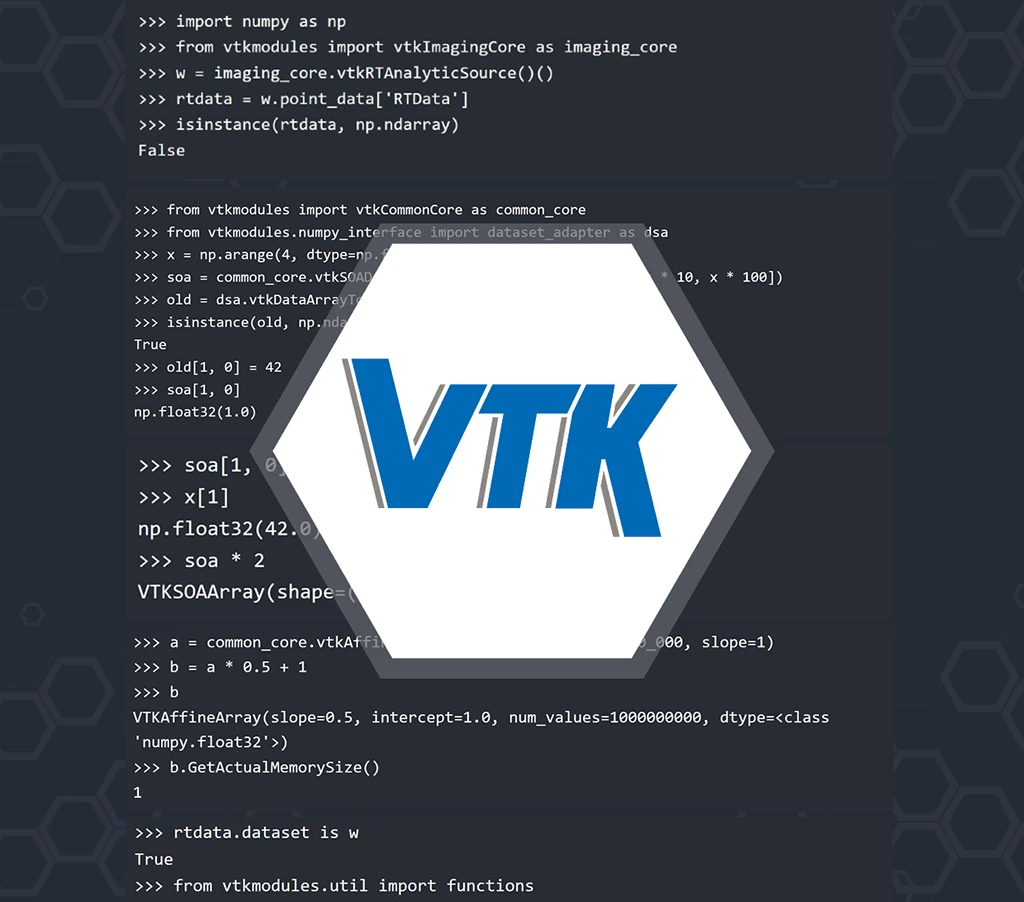
Who Owns This Memory?
In my last blog, I said that to_numpy() gives you a view for some VTK arrays and a copy for others. That deserves
a closer look. When two libraries share memory, the interesting question is always the same: who owns it? Who
frees it, and when? Let’s start on the numpy side.
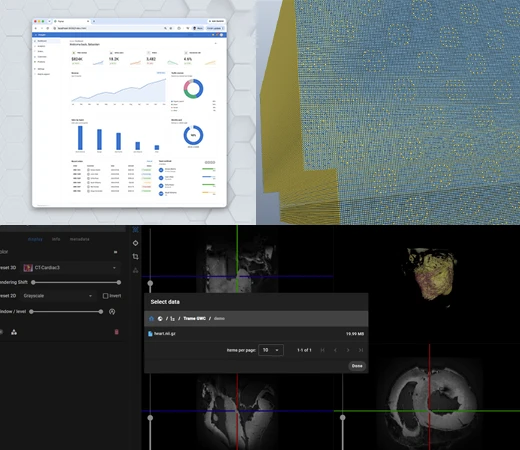
How to Bring Scientific Computing Applications to the Web Without Starting Over
Scientific and engineering applications often represent years of development. They may include specialized algorithms, visualization capabilities, and data-processing tools built around specific research or engineering needs.
As scientific software reaches more users and computing environments, organizations may need to make existing capabilities accessible via a browser without replacing the underlying technology.
The challenge is deciding what to preserve, what needs to change, and where each part of the application should run.